What Is a Smart Home? A Beginners Guide

I thought a smart home was something you needed a big house and a bigger budget for. The kind of setup you'd see in a tech YouTuber's tour, with motorized blinds and color-changing lights synced to a gaming PC and a voice assistant in every room. I lived in a one-bedroom rental and the whole concept felt like it was built for someone else.
Then I visited a friend who had exactly three smart devices: an Echo Dot, two smart plugs, and a strip of lights behind her TV. Her apartment cost maybe $60 to set up and it felt more considered and comfortable than homes I'd been in with far more expensive everything. The lights were warm in the evenings. The fan switched off when she left. She didn't think about any of it. That was the moment I actually understood what the point was.
That was four years ago. I've built and rebuilt my own setup multiple times since then, made most of the classic mistakes, spent money on things that didn't work, and figured out what actually does. This is the guide I needed before any of that.
What a Smart Home Actually Is
Strip away all the marketing language and a smart home is just a home where some of your devices can be controlled remotely, put on a schedule, or set up to react to each other without you doing something manually every single time.
That's genuinely the whole definition. There's no minimum spend, no required number of devices, no special construction involved. A single smart plug on your bedside lamp that turns off automatically at midnight technically makes your home a smart home. Most people start somewhere around there and add things slowly as they figure out what actually improves their daily life.
The reason the concept feels overwhelming at first is that the industry does a poor job of explaining it simply. Companies want to sell you complete systems and hubs and subscriptions. Tech websites compare seventeen products at once. None of that is useful when you just want to understand what you're actually dealing with.
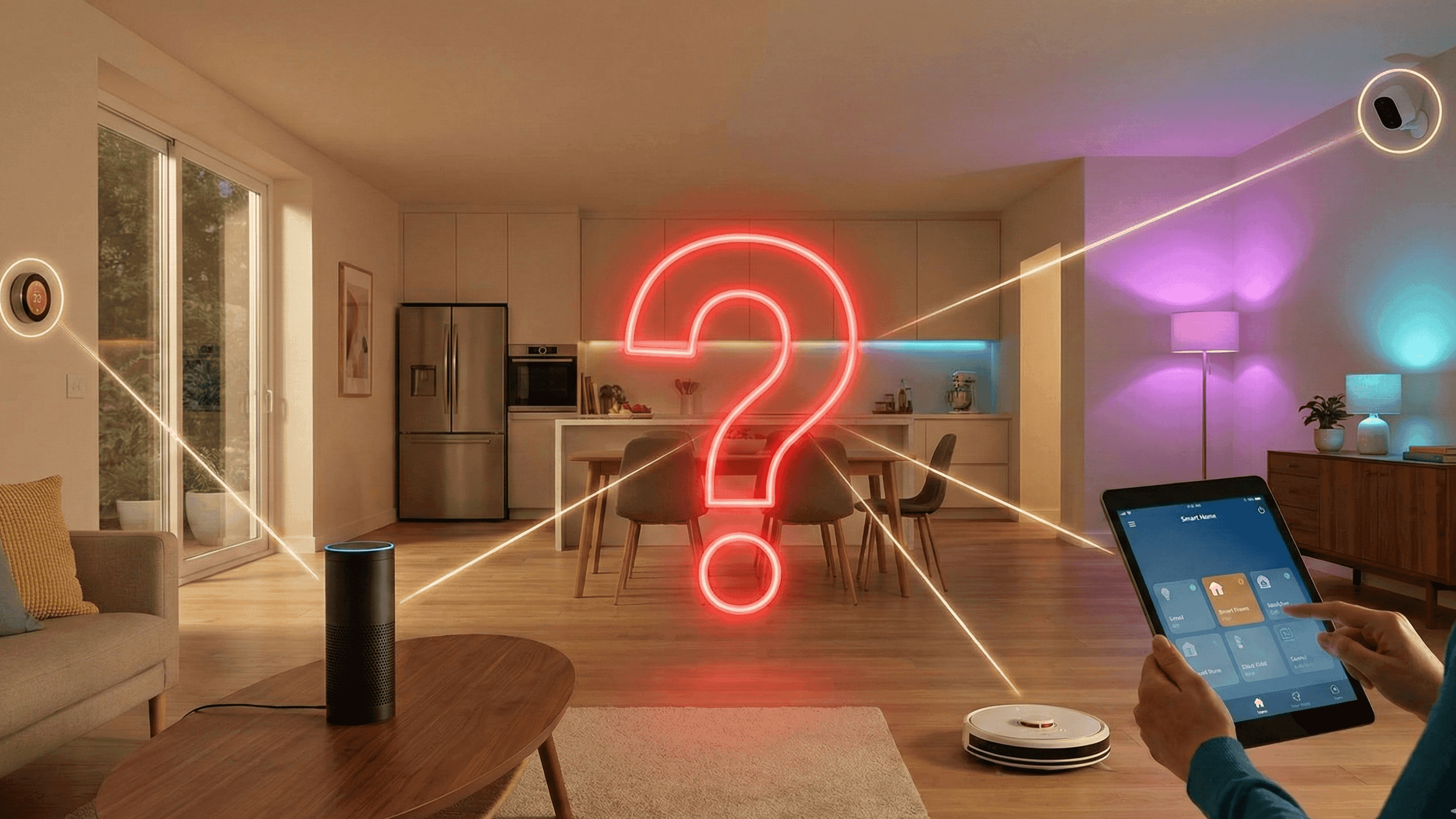
So here is the practical version. You have devices in your home that currently do one fixed thing. A lamp that is on or off. A fan that runs when you flip a switch. A heater that does whatever the physical dial says. Smart versions of these devices, or smart accessories added to the existing ones, give them the ability to receive instructions wirelessly and act on them. That wireless communication needs something to coordinate it, which is where a voice assistant like an Amazon Echo or a Google Nest device comes in. And the rules that tell everything when and how to respond are called automations. Those three pieces together are what make a home smart.
How the Three Pieces Fit Together
The devices are the physical layer. Bulbs, plugs, sensors, cameras, locks, thermostats. What separates them from their regular equivalents is a wireless radio inside, usually Wi-Fi or a lower-power protocol like Zigbee or Z-Wave, that lets them talk to other devices or be controlled from somewhere else.
The hub or voice assistant is the coordination layer. Something needs to act as the central point that everything reports to and takes instructions from. For most people starting out this is an Amazon Echo Dot or a Google Nest Mini. You set up routines through the app, control devices by voice, and the assistant handles passing those instructions along. Without this central point, every smart device lives in its own separate app and nothing cooperates with anything else. I learned this the hard way after buying four devices from four different brands and spending a weekend trying to make them work together through sheer frustration.
The automations are where a smart home stops being a remote control for your house and starts being something genuinely useful. An automation is a rule: when this happens, do that. When I leave the house, turn everything off. When it is 7 AM on a weekday, slowly brighten the bedroom light. When motion is detected in the hallway after 11 PM, turn on a very dim light rather than full brightness so nobody gets blinded walking to the bathroom. You set these rules once and then stop thinking about them. That is the entire point.
What I Got Wrong in the Beginning
My first attempt at a smart home cost me about $180 and resulted in nothing working properly for almost two weeks. I want to tell you exactly what went wrong because these are mistakes almost everyone makes.
The first problem was Wi-Fi bands and I had no idea this was even a thing until it was already causing problems. Almost all smart home devices only connect to the 2.4GHz Wi-Fi band, not the 5GHz band. My router was broadcasting both bands under the same network name, which meant devices would sometimes connect to the 5GHz band and then fall offline because that connection doesn't work for them. I genuinely thought I had defective products for ten days. The fix took four minutes: I went into my router settings and gave the two bands different names. Every problem disappeared.
The second mistake was buying from too many different brands without checking whether they worked together. I had a TP-Link plug, a Wyze camera, a Sengled bulb, and an Aqara sensor. Four apps, four separate setups, and automations I couldn't build because the devices I wanted to connect had no way to talk to each other. The right approach, which I now tell everyone who asks me about starting out, is to pick one voice assistant first and only buy devices that explicitly list support for it on the box. Everything goes through one app and one voice interface.
The third mistake was trying to build complicated automations before I understood simple ones. I wanted weather-triggered lighting scenes and location-based routines before I had even gotten my bulbs reliably connected. Start with something basic: lights off at 11 PM, fan switches off when you say goodnight, all plugs cut when you leave. Get those working perfectly and live with them for a couple of weeks. Then add complexity only when you have a real problem you're trying to solve.
What Makes a Device Worth Buying
After four years and more purchases than I'd like to admit, the devices that have stayed in my home share a few qualities that I now check for before buying anything new.
The first is that they work without the cloud. If the manufacturer's servers go down or the company shuts down, a well-made smart device should still function as a basic device. Bulbs that turn into non-responsive lumps when the internet drops are not acceptable. This has become less of a problem with established brands but is still very common with cheap, unbranded products.
The second is support from a major ecosystem. If a device only works with its own proprietary app and has no Alexa, Google Home, or Matter support, I don't buy it. The moment that company stops updating the app, the device becomes useless. I have a camera in a box right now that worked perfectly until the company behind it went quiet two years ago. The app shows a login error I cannot fix. That camera cost less than a Eufy or Wyze equivalent and I ended up paying more because I need to replace it anyway.
The third is that they do one thing well. The best smart home devices are boring in the best possible way. A plug that reliably switches on and off. A bulb that dims smoothly. A sensor that detects motion instantly every time without false triggers. Multi-function devices that try to be sensors and speakers and air quality monitors simultaneously almost always do all of it poorly.
Whether It Is Actually Worth It
I want to be honest about this because a lot of smart home content oversells the experience.
If you regularly leave appliances on by accident, a smart home will genuinely reduce that stress. If you hate waking up to a jarring alarm, a sunrise automation makes mornings noticeably better in a way that surprises most people when they first try it. If you travel and worry about whether you locked up or left something running, remote monitoring gives real peace of mind rather than the nagging uncertainty.
If none of those things particularly bother you, the technology might not add much to your life. There is no shame in that conclusion. Not every useful technology is useful for every person.
For me the biggest unexpected benefit was not convenience. It was the mental quiet that came from not having to think about small household tasks anymore. The lights just work. The fan is off when I leave. The house is already at a comfortable temperature when I get home. That low-level background hum of household management mostly disappeared, and I did not fully appreciate how much mental space it was taking up until it was gone.
If you want to try it, start with one Echo Dot and two Kasa smart plugs. Spend two weeks actually using them before buying anything else. That is genuinely all you need to figure out whether this is something worth building further.
I've been building smart home setups for about four years across three different apartments. Everything on this site comes from actual use, not spec sheets.


