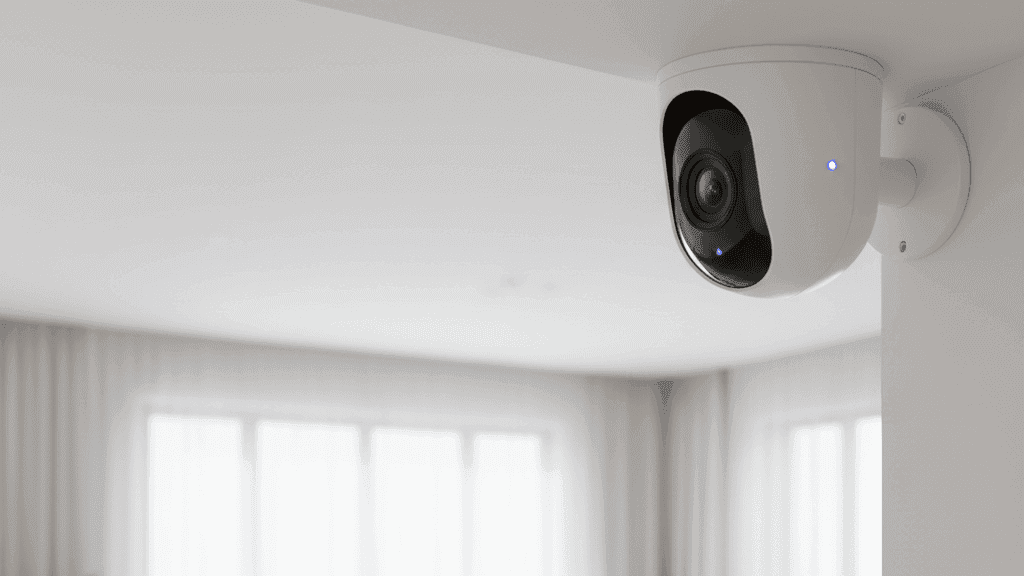
A Beginner's Guide to Smart Security Cameras for Your Home

The first smart camera I bought was technically fine and practically useless. It recorded motion clips, sent notifications, and had a perfectly acceptable 1080p image. What it did not have was any way to distinguish between a person walking past and a car driving by, which meant I received about forty motion alerts on a busy day and started ignoring all of them within a week. By the time something worth actually looking at happened, I had trained myself to dismiss the notifications without opening them.
That experience taught me something useful: a security camera's value is almost entirely determined by how it handles the gap between what triggers a recording and what actually warrants your attention. A camera with bad motion detection is not a security tool. It is a notification generator that conditions you to ignore security alerts.
Four cameras across three apartments later, I have a much clearer sense of what actually matters when choosing a smart security camera and what sounds impressive on a spec sheet but changes nothing in practice.
What the Specifications Actually Mean
Resolution is the specification most prominently featured in camera marketing and the one that matters least after a certain baseline. The difference between 1080p and 4K is significant in a controlled comparison but largely irrelevant for identifying a person at a door or monitoring an entrance. 1080p provides enough detail to clearly see faces, read licence plates at close range, and identify what is happening in the frame. Unless you are covering a very large area from a significant distance, 1080p is sufficient and produces smaller files that are easier to store and transmit.
2K resolution is a reasonable middle ground that provides some extra detail without the storage demands of 4K. I would not pay significantly more specifically for 4K resolution in a home security camera. The marketing around it tends to be more impressive than the practical benefit.
Field of view is more practically important than resolution. A camera with a 130-degree field of view covers significantly more of a room or entrance area than one with a 90-degree view, which may mean the difference between one camera covering your entire entrance and needing two. Wide-angle lenses can introduce some distortion at the edges of the frame, but modern cameras handle this well enough that it is not a meaningful concern for most use cases.
Night vision is genuinely non-negotiable for outdoor cameras and important for indoor cameras that cover areas that are not always lit. The standard infrared night vision produces a clear black-and-white image in complete darkness and works well in most situations. Color night vision, available on some cameras at a premium, uses a small supplemental light to produce a color image at night. Whether this is worth the extra cost depends on whether color information matters for your specific use case, which for most people it does not.
Two-way audio is more useful than it initially sounds. Being able to speak through the camera to whoever is at your door or in your home while you are away handles situations that a visual-only camera cannot: telling a delivery person where to leave a package, speaking to a family member who does not have a phone nearby, or deterring someone who has noticed the camera. Most cameras include a microphone for recording audio with the video regardless of whether they have a speaker, but the ability to speak back requires both.
Smart Detection and Why It Changes Everything
The single feature that had the biggest practical impact on my experience with security cameras was smart detection, specifically the ability to differentiate between people, vehicles, animals, and generic motion.
A camera that alerts you to any motion in its field of view is usable only if the camera is pointed at something with very little background activity. An outdoor camera covering a driveway or front path will detect leaves moving in wind, passing cars, birds, and every person who walks by on a public path. Without smart detection, all of these generate identical alerts and the notification volume becomes unmanageable.
Person detection specifically filters out everything that is not a human figure and only alerts you when a person is detected. For an entrance camera, this is the difference between getting five meaningful alerts per day and getting fifty notifications that tell you nothing useful. The improvement in how useful the camera actually is for its intended purpose is significant.
Most cameras implement this through AI processing that runs either on a cloud server or, in more privacy-conscious designs, on the camera itself. Cloud-based detection typically requires a subscription. On-device detection, which Eufy in particular has emphasised in their camera lineup, provides smart alerts without an ongoing fee. This is one of the reasons Eufy cameras are worth serious consideration: the most useful feature is not paywalled.
Vehicle detection and package detection are useful additions if you are monitoring a driveway or a delivery area. Package detection is particularly useful for managing delivery anxiety without opening your camera app manually every time a notification arrives.
The Subscription Question Answered Honestly
Almost every major camera brand sells cameras at an accessible price and then monetises ongoing access to your own footage through a monthly subscription. It is worth understanding exactly what you get without a subscription before assuming you need one.
Most cameras without a subscription give you live view, which means you can open the app and see what the camera is seeing right now. They also give you real-time alerts when motion or people are detected. What they typically do not give you without a subscription is any ability to go back and review footage from earlier: no history, no clips from ten minutes ago, no way to see what triggered an alert if you did not open the app immediately when it fired.
For cameras intended as genuine security tools rather than just live monitoring, the ability to review historical footage matters. If something happened overnight and you want to see what triggered your camera at 2 AM, you need either a cloud subscription or local storage.
Local storage through a microSD card is the alternative that avoids ongoing fees. The camera writes footage to the card and you can review it through the app. The limitations are capacity (a 128GB card at moderate quality settings lasts a few days of continuous recording or much longer on motion-triggered recording) and the physical security risk that the camera itself can be taken along with the evidence.
The approach I use is cameras with local storage as the primary recording method plus cloud backup of significant events for the entrance camera where theft of the camera is a more realistic scenario. This means I pay for a subscription on one camera rather than several.
Wired Versus Battery-Powered
Power source determines flexibility of placement more than any other specification.
Wired cameras require a nearby power outlet. This sounds like a significant limitation but for indoor cameras it rarely is, since most indoor locations where you would want a camera have outlets reasonably nearby. For outdoor cameras, it can require running a cable, which is not always practical for renters or for locations without nearby weatherproof outlets.
The advantage of wired cameras is that they can record continuously without power management compromising other features. A wired camera can have motion detection running constantly, maintain a continuous connection to your Wi-Fi, and record 24/7 without any trade-offs.
Battery-powered cameras can go anywhere. No cable run, no proximity requirement to an outlet, no installation beyond mounting the camera itself. The trade-off is that batteries last a variable amount of time depending on how often the camera is triggered and which features are running, and you need to either recharge or replace batteries periodically. Battery-powered cameras also typically cannot record continuously: to preserve battery life they record only when motion is detected, which means any event before the trigger point is not captured.
For renters specifically, battery-powered cameras are often the practical choice for outdoor placement because they require no permanent installation and can be mounted with adhesive or simple non-permanent hardware. For indoor cameras where a outlet is accessible, wired is the simpler long-term solution.
Where to Put Cameras and Where Not To
Outdoor cameras should cover the main entrance or entrances first. This is the location that provides the most useful footage in the most relevant scenarios and the one where cloud backup of clips is most justified.
Indoor cameras in common areas like a living room or entryway are useful for checking on the home while away, monitoring pets, and capturing footage inside if an exterior camera is defeated. Indoor cameras should not be placed in bedrooms or bathrooms. This is both a matter of basic privacy and a practical consideration: footage from private spaces creates more risks than it resolves, and most security scenarios do not require it.
For most apartments, one well-placed entrance camera and one indoor camera covering the main living area provides meaningful coverage without the complexity and cost of a larger system.
The Brands Worth Considering
Eufy consistently appears in recommendations for people who want local storage without subscription requirements, genuinely good image quality, and on-device person detection that works without cloud processing. Their cameras store footage locally by default and use cloud features only optionally. The app quality has improved substantially over recent versions.
Wyze is the entry point if budget is the primary constraint. Cameras are priced very accessibly, image quality is good for the price, and the Cam Plus subscription that enables person detection is inexpensive. The tradeoff is that without a subscription, the free cloud tier has become very limited.
Reolink makes solid cameras with local storage focus and good image quality, particularly at the mid-range. Their NVR systems for multi-camera setups are well-regarded for people who want a more comprehensive local storage solution.
Ring cameras have strong name recognition and the ecosystem benefits of Alexa integration, but their business model relies heavily on subscriptions and the free tier provides very limited recording access. They are a reasonable choice if you are already committed to the Amazon ecosystem and comfortable with the ongoing cost.
After four cameras across three apartments, I now run a Eufy entrance camera with local and cloud storage and a Wyze indoor camera for general monitoring. The combination works reliably and the total ongoing cost is minimal.


