Smart Home Mistakes I Made So You Don’t Have To

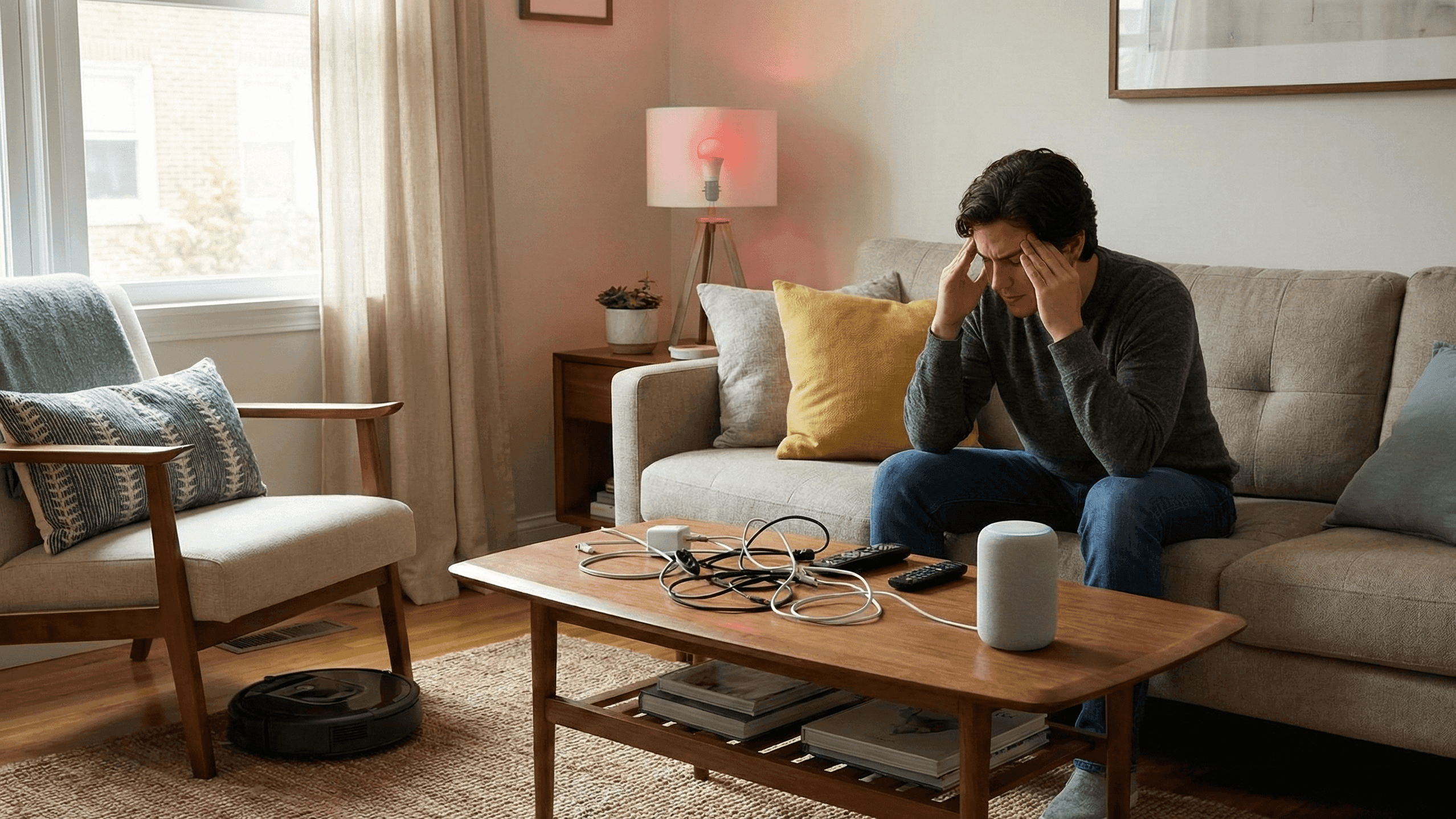
I have made almost every smart home mistake there is to make. I know this not because I read about them afterward and recognized myself, but because I made them in real time, usually while being frustrated at devices that were behaving perfectly normally and me being the actual problem.
Four years and three apartments later, I have a setup that works reliably and that other people can actually use without a tutorial. Getting here involved a lot of trial and error that I could have avoided if someone had just been honest with me about what goes wrong and why. So here is that conversation.
Jumping Into Multiple Ecosystems at Once
This is the mistake I see most often and the one that causes the most lasting frustration. It is also completely understandable because the smart home market does not make it obvious that this is a problem until you are already deep into it.
Here is what happens. You buy an Amazon Echo because it was on sale. Then a friend recommends a Google Nest camera. Then you read an article saying a certain sensor only works well with Apple HomeKit so you grab that too. Six months later you have four apps, voice commands that only work for some of your devices, and automations you cannot build because the things you want to connect have no way to talk to each other.
I did exactly this during my first year. I had an Alexa controlling my lights, a separate Google Home app for my plug, a Wyze app for my camera, and an Aqara app for my door sensor. Nothing was connected to anything else in any meaningful way. It was not a smart home. It was a collection of individually app-controlled gadgets that happened to live in the same apartment.
The fix is simple but it requires discipline upfront. Pick one voice assistant before you buy your first device. If you choose Alexa, only buy devices that explicitly list Works with Alexa on the packaging or product page. If you choose Google Home, same principle. Everything goes through one app and one voice interface, and the whole thing functions as a system rather than a pile of individual parts. The newer Matter standard is gradually improving cross-platform compatibility, but it is not complete enough yet to use as a justification for mixing ecosystems freely.
Ignoring Wi-Fi Before Buying Anything
A smart home runs entirely on your Wi-Fi network, which means every problem your Wi-Fi has becomes a smart home problem immediately and often mysteriously.
The specific issue that gets most beginners is the 2.4GHz versus 5GHz band confusion. Almost all smart home devices, especially the affordable ones, only support the 2.4GHz band. Many modern routers broadcast both bands but give them the same network name to make connecting phones and laptops easier. When a smart device tries to connect to that network, it sometimes ends up on the 5GHz band, which it cannot actually use, and then falls offline unpredictably.
I spent nearly two weeks convinced I had received defective bulbs. The bulbs were fine. My router was the problem. The fix is to go into your router settings and give the two bands different names. Something as simple as calling one "Home" and one "Home_5G" is enough. Every smart device goes on the 2.4GHz one and the random disconnections stop.
The second Wi-Fi issue is dead zones. If the signal is weak in your bedroom or kitchen, devices you put there will be unreliable regardless of brand or quality. Test your signal strength in every room where you plan to put smart devices before you buy them. A cheap mesh Wi-Fi extender solves dead zones permanently and is worth doing before you start building a smart home rather than after you've already pulled your hair out trying to figure out why one room's devices keep dropping.
Building Complicated Automations Before Understanding Simple Ones
There is a temptation, especially if you enjoy tinkering, to build elaborate automations immediately. I spent an entire weekend early on trying to create a routine that adjusted my lights based on outdoor temperature, time of day, cloud cover from a weather app, and whether my phone was detected on the home network. It sort of worked occasionally. Mostly it just did unexpected things at inconvenient moments and confused my housemate who had no idea why the lights kept changing.
The automations that have been running in my home for over a year without me touching them are all simple. Lights off at 11 PM. Fan switches off when I say goodnight. Everything cuts when I leave the house. Bedroom light brightens slowly from 6:45 AM. These took five minutes each to set up and they work correctly every single time.
Simple automations that run reliably are worth more than complicated ones that occasionally do something surprising. Build the simple ones first, live with them for a few weeks until they feel natural, and only add complexity when you have a specific real-world problem that complexity would solve. The best automation is one you stop consciously noticing because it always does exactly what you expected.
Setting Things Up Without Thinking About Everyone Else in the Home
If other people live with you, a smart home that only you know how to use is not really a smart home. It is a personal gadget collection that occasionally confuses and mildly irritates the people you share a space with.
Before setting up anything, have a short conversation about how things are going to work. Where are the voice assistants? What are the phrases people will use? Is there a physical button or switch for guests who do not want to use voice commands or open an app?
I added a simple Zigbee button near my front door early on and it turned out to be one of the most useful decisions I made. Tapping it once triggers the arriving home scene. Anyone can use it without knowing anything about the system or even being aware that a smart home exists in this apartment. Visitors are not confronted with a home that seems impossibly complicated just to turn a light on.
The other thing worth doing is checking your automations from the perspective of the person in your household who is least interested in smart home technology. Lights that switch off after a few minutes of no motion are genuinely useful in a hallway or bathroom. In a living room where someone is reading quietly, they are infuriating. I got complaints about this within the first week of setting up my living room motion sensor and had to rethink the whole configuration. Test everything as if you are someone who did not set it up and did not ask for it.
Buying the Cheapest Available Version of Core Devices
There are parts of a smart home where saving money makes complete sense and parts where it reliably causes problems.
For plugs and bulbs, mid-range brands with established track records like Kasa, Wiz, and Sengled offer genuine value without meaningful compromise. For the hub, sensors, and anything security-related, buying the cheapest available option tends to mean poor app support, unreliable connectivity, and products that stop working entirely when the manufacturer loses interest in maintaining the firmware.
I have a camera in a box in my cupboard that was working perfectly until the company behind it went quiet about two years ago. The app now shows a persistent login error that no amount of reinstalling or resetting fixes. That camera cost noticeably less than a comparable Eufy or Wyze product. I have now spent more overall because I need to replace it anyway, and I lost all the footage history in the process.
Before buying a brand you are unfamiliar with, check that they have been around for a few years, that their app has been updated within the last few months, and that there is an active community of users discussing the specific product online. If you cannot find anyone talking about it, that silence is meaningful information.
Not Changing the Power-On Behaviour for Smart Bulbs
This one is specific but catches almost everyone at least once. Most smart bulbs default to switching on at full brightness whenever power is restored after an outage. Which means a brief power cut at 1 AM, followed by power restoration, results in every light in your home snapping on at full brightness in the middle of the night.
Every major smart bulb brand has a setting in their app that controls what the bulb does when power is restored. The options are usually something like "return to previous state," "stay off," or "turn on at full brightness." The default is almost always full brightness. Find this setting in whatever app you are using and change it immediately when you first set up any bulb. It is buried in the device settings but it is there, and changing it takes about thirty seconds.
For your router and hub specifically, a small uninterruptible power supply that keeps them running through brief outages is worth having if your area experiences occasional power flickers. Without it, a brief outage resets the hub and sometimes requires re-pairing devices, which is the kind of thing that makes a smart home feel unreliable rather than helpful.
Expecting the Setup to Stay Finished
The last mistake is treating a smart home as a project with a defined endpoint. It is not. It is closer to a garden in the sense that it works best when you are paying occasional attention to it, adjusting things that have drifted, and slowly filling in the gaps where you have noticed friction.
Firmware updates need checking every month or two for security and performance fixes. Automations that made perfect sense six months ago sometimes need adjusting as your routine changes with seasons or life circumstances. Occasionally a device needs to be re-paired after a hub update, which takes a few minutes but needs to be done.
None of this is a major time investment. But if you set everything up once and expect it to run perfectly forever without any attention, you will find yourself with a slowly degrading system that starts to feel unreliable. Treat it as a small, ongoing part of your home maintenance rather than a one-time project and it stays satisfying to use rather than becoming a source of friction.
I've been building smart home setups across three apartments over about four years. The mistakes in this article are all ones I made personally, some of them more than once.


